Order before 10 PM for next-day delivery


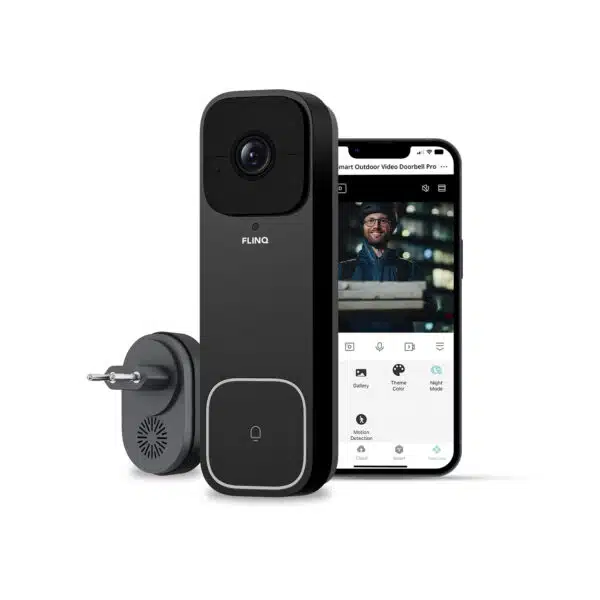
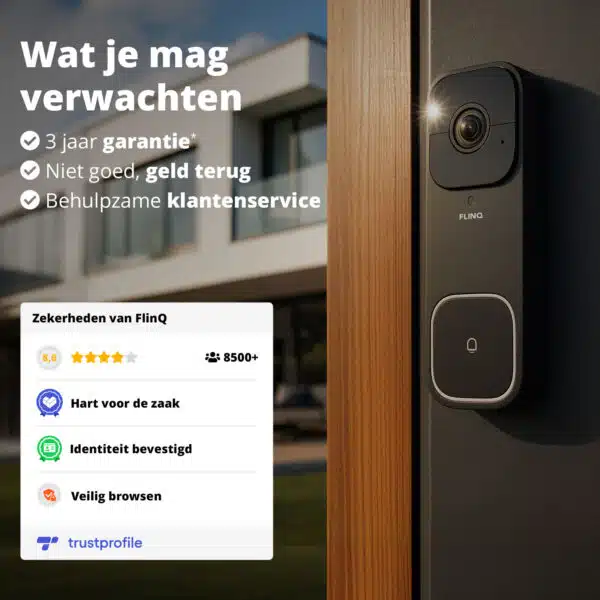
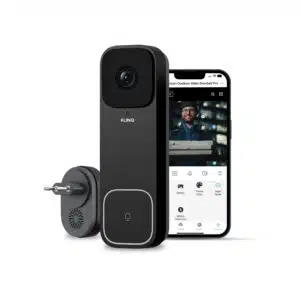
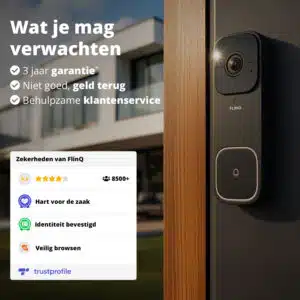
FlinQ Smart Outdoor Video Doorbell Pro
Original price was: 229.99.69.99Current price is: 69.99.

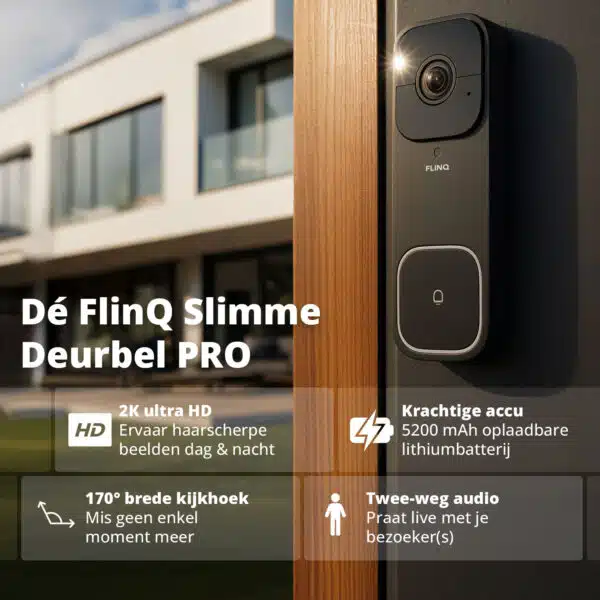
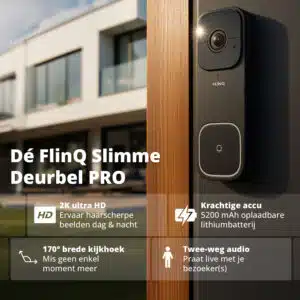
170° super wide viewing angle with 3:4 sensor
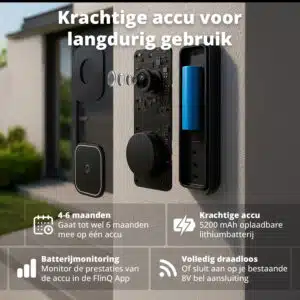
Powerful 5200 mAh battery
 Works with
Google Home*
 Works with
Amazon Alexa*
 Works with
FlinQ App

Vaak samen gekocht
- Description
- Additional information
- Reviews (2)
- Download(s)
- FAQ
Description
FlinQ Smart Outdoor Video Doorbell Pro: Crystal clear image, smart detection, and maximum security
With the FlinQ Smart Outdoor Video Doorbell Pro, you always have a view of who is at the door. Thanks to the impressive 2K Ultra HD resolution, smart person recognition, and a powerful 5200 mAh battery, you are assured of clear images, reliable notifications, and long-lasting use. Whether it’s daytime, evening, or during bad weather: this doorbell is always ready to keep your home safe.
Key features at a glance
– 2K Ultra HD image quality for crystal clear details
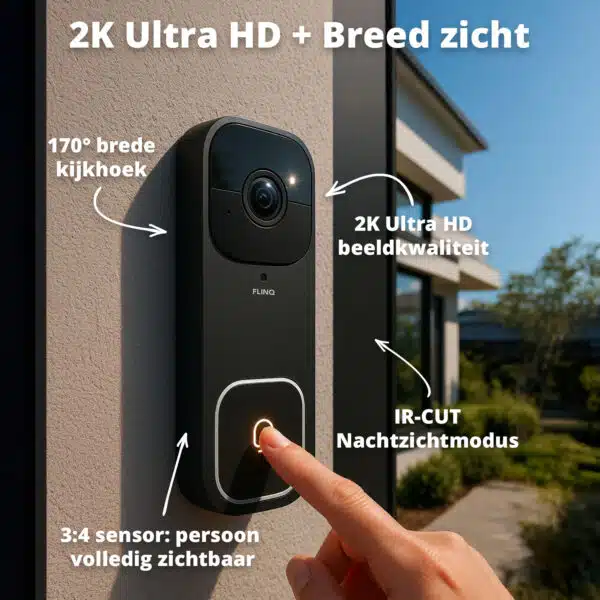
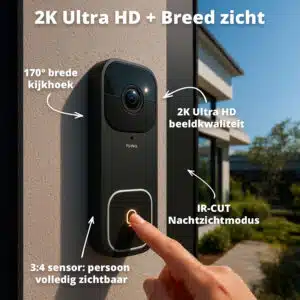
– 170° super wide angle with 3:4 sensor for full body height
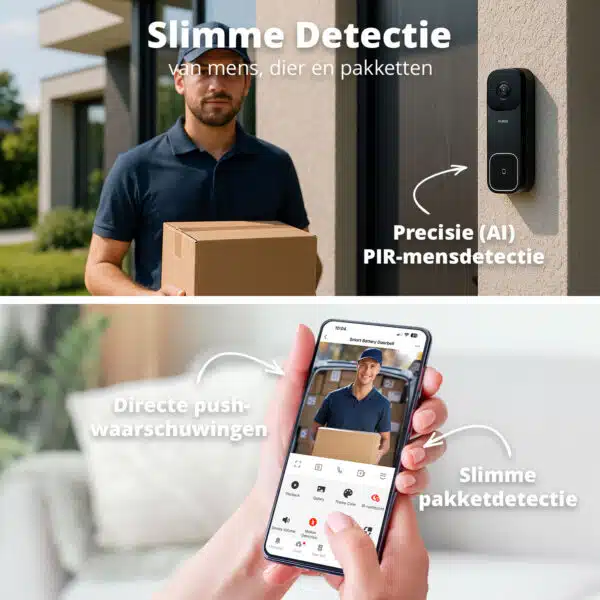
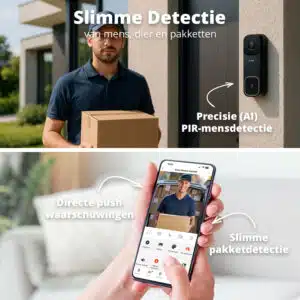
– Smart recognition: human and package detection with adjustable sensitivity
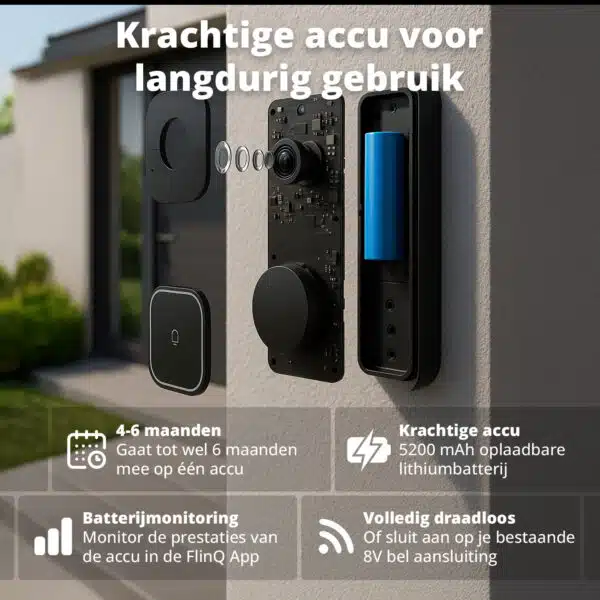
– Powerful 5200 mAh battery: up to 4–6 months of use
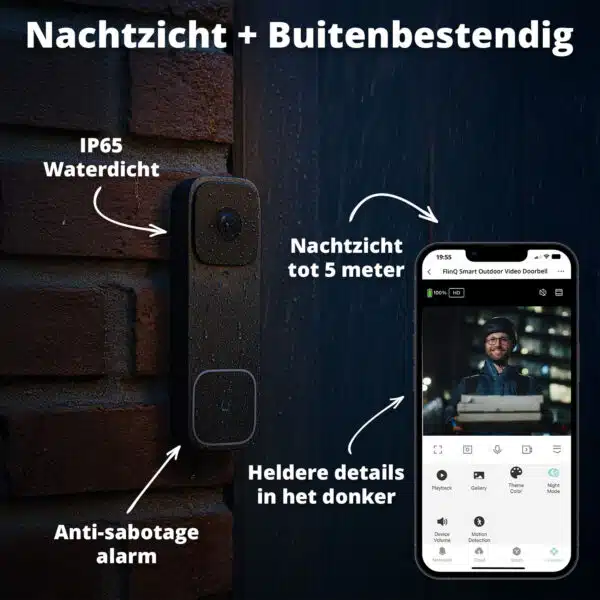
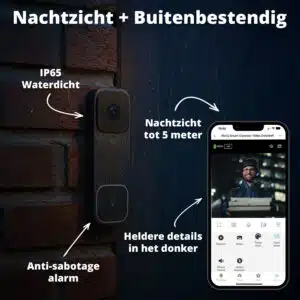
– IR night vision up to 5 meters for clear images in the dark
– 2-way audio: talk and listen in real time
– Weatherproof design (IP65) for rain, wind, and cold
– Anti-tamper alarm when removed
– Two mounting options: easy with included adhesive strip or secure with plugs and screws
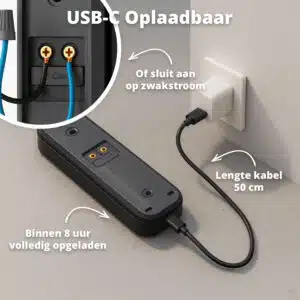
– Can be used wirelessly or connected to low voltage via the included jumper wire
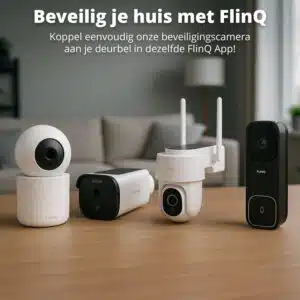
– Operated via the free FlinQ App
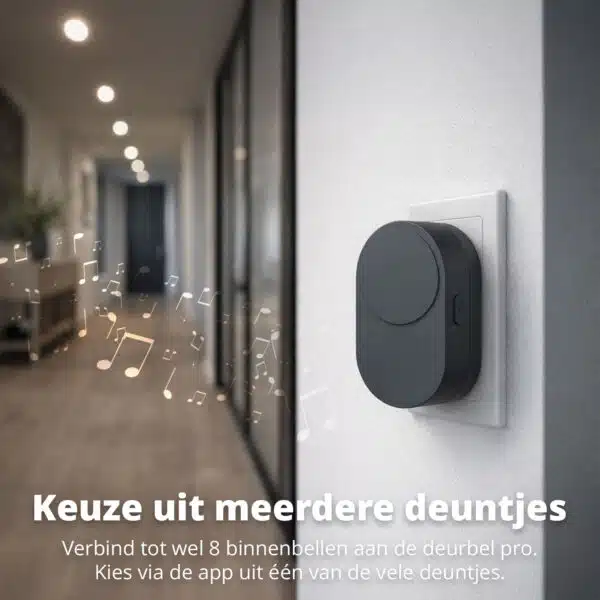
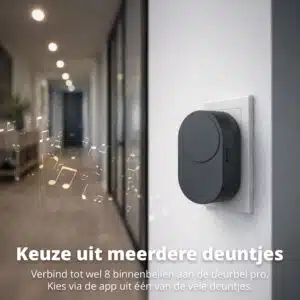
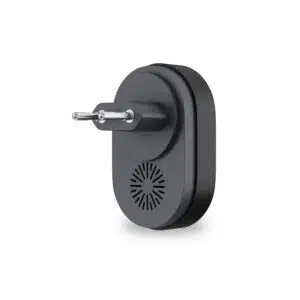
– Includes indoor chime
Crystal clear 2K Ultra HD images
The smart doorbell with camera delivers images in 2K Ultra HD, making faces, objects, and packages always clearly visible. Combined with the wide 170° viewing angle and the 3:4 aspect ratio, you see visitors fully in view. Even small details remain recognizable, ideal for maximum security and evidence.
Smart detection: precisely when it matters
The wireless doorbell uses advanced AI to distinguish between people, packages, and other movements. You’ll only receive relevant notifications, precisely when something happens. Adjustable sensitivity and package detection ensure that notifications are tailored to your living environment. You’ll get instant and reliable alerts on your smartphone via FlinQ Cloud.
Always visible, even in the dark
Thanks to the IR-CUT night vision technology, the doorbell sees clearly up to 5 meters in complete darkness. Details remain visible, faces are better recognized, and movement is accurately detected.
A safe feeling, even in the middle of the night.
Long-lasting use with powerful battery
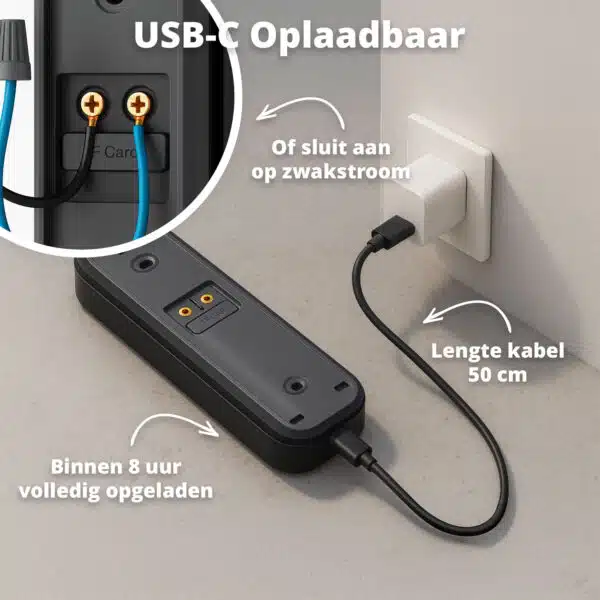
The FlinQ Wireless Video Doorbell Pro is equipped with a strong 5200 mAh lithium battery, good for 4 to 6 months of use on a single charge. You don’t have to work with cables: the doorbell is completely wireless. Is the battery empty? With the included USB cable (50 cm), you can fully charge it again within 8 hours. Through the app, you can see in real-time how much battery is still available. In addition to charging via the included cable, the doorbell can also be connected to low voltage with the included jumper wire!
Designed for outdoors and protected against tampering
With an IP65 rating, the doorbell is resistant to rain, snow, wind, and dust. It also features an anti-tamper alarm. Is the doorbell removed from the wall? Then you receive an immediate warning. Convenient and safe, just as you would expect from FlinQ!
Communicate directly via 2-way audio
Thanks to the built-in microphone and speaker, you can easily talk to visitors, couriers, or unexpected callers. Whether you’re at home or on the go, you always have control via the FlinQ app.
Saving the images
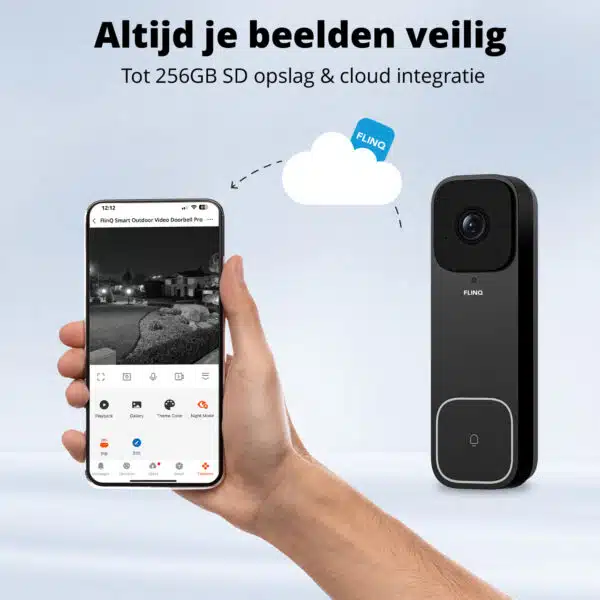
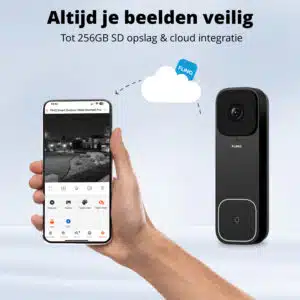
Easily and securely store your valuable recordings via the FlinQ Cloud Storage. Choose the convenient cloud storage and have access to your images anytime, anywhere via the FlinQ app. Or opt for SD card storage, where you can view your recordings later on your PC.
Why FlinQ Cloud Storage?
With the storage, you have the option to view your images up to 30 days back on your phone or tablet. So you’re always up-to-date with what’s happening in or around your home. Choose FlinQ Cloud Storage and get the most out of your FlinQ security cameras & doorbells with long-term storage and direct access to your recordings, worry-free.
Additional information
| Operating temperature | −20 °C to +50 °C |
|---|---|
| Operating humidity | 10%–95% non-condensing |
| Frequency range | : Wi-Fi 2.412–2.472 GHz; RF 433.92 MHz |
| Power | 8–24 V~ 50/60 Hz, 200 mA (AC) / 5 V, 1.5 A (DC) |
| Video encoder | Main stream (HD) : H.265; Substream (SD) : H.264 |
| Video frame rate | Main stream (HD) : 15fps; Substream (SD) : 20fps |
| Field of view | Diagonal 170° |
| Video codec standard | H.265/H.264 |
| Infrared lamp | 850 NM |
| Night vision mode | IR-CUT switches automatically |
| Motion detection | Supports PIR body motion detection |
| Local storage | TF card (MAX: 256GB) |
| FlinQ cloud storage | Yes, optional via FlinQ App |
| Battery capacity | 5200 mAh |
| Battery life | 4-6 months (Based on 10 rings per day) |
| Cable included | Yes |
| Cable length | 50 cm |
| Image quality | 2K |
| Dimensions | Chime dimensions: 8.1 x 5.2 x 2.1 cm |
| Control via | App |
| Bewegingssensor | Yes |
| Energy source / power supply | Batteries, Mains power, USB |
| Geschikt voor | Outdoor |
| Works with | Amazon Alexa, FlinQ App, Google Home, Smartlife App, Tuya App |
You may also like…
 Swipe for all available parts
 Redeem code for FlinQ Cloud Storage
1. Open or install the FlinQ app.
2. Log in or create a free account.
3. Add your camera (if you haven’t already).
4. Tap on the camera for which you want to activate Cloud Storage.
5. Tap the three dots “…” or the pencil icon in the top right.
6. Scroll down to “VAS / Cloud Storage” and tap on it.
7. In the next screen, tap “…” again in the top right and choose “Redemption code”.
8. Enter your code and tap “Redeem” (in some app versions, this may be called “Display”).
9. Under “effective device”, select the camera for which you want to use cloud storage
10. Press the blue button “Redeem now” at the bottom to activate your cloud storage
Done! Cloud Storage is immediately active for the chosen period. Before it expires, you’ll receive an email explaining how to extend.
When you get a message that your smart product is already linked to another account, you need to request an unbind. Click here to read how to do this.
Note: we can only process unbind requests for devices that are already linked to the FlinQ app.
If the device is linked to a Tuya account or Smart Life account, the request goes through that party. The request process works the same way.
How long does an unbind request take?
On average, this takes 3 to 5 working days. After that, you can try to connect the device again. Unfortunately, this process cannot be sped up.
When you get a message that your smart product is already linked to another account, you need to request an unbind. Click here to read how to do this.
Note: we can only process unbind requests for devices that are already linked to the FlinQ app.
If the device is linked to a Tuya account or Smart Life account, the request goes through that party. The request process works the same way.
How long does an unbind request take?
On average, this takes 3 to 5 working days. After that, you can try to connect the device again. Unfortunately, this process cannot be sped up.
With the FlinQ app, you can easily create a group of two or more devices. This is handy if you want to turn all your lights on or off at the same time, for example.
Follow these steps to create a group:
1. Open the FlinQ app on your smartphone or tablet.
2. Tap on one of the devices you want to include in the group.
3. Press the pen icon or the icon with three dots (“…”) in the top right corner.
4. Scroll down a bit and choose the “Create group” option.
5. In the overview, select the other devices you want to add to the group and press Save.
6. Give the group a name, optionally choose a room, and press Continue.
When the doorbell alarm goes off, there are two ways to turn it off, depending on the situation:
Situation 1: The doorbell has been removed from the app and the alarm is sounding (for example, because it is not in the holder)
1. Place a magnet on the back of the doorbell, in the indicated box as shown in this image.
2. Then, press and hold the reset button for 5 to 10 seconds.
3. Once the alarm stops, the doorbell is reset. You can now pair it again via the app, as described in the manual.
Situation 2: The doorbell has been removed from the holder while still connected to the app
1. Place the doorbell back in the holder; the alarm will automatically stop beeping.
2. Open the FlinQ app and select your doorbell.
3. Tap the three dots in the upper right corner and scroll down until you see “Anti Dismantling Alarm”.
4. Turn off the Anti-theft alarm function. This will disable the alarm.
Please note: After replacing the doorbell in the holder (for example, after charging), remember to turn the anti-theft alarm back on for optimum security.
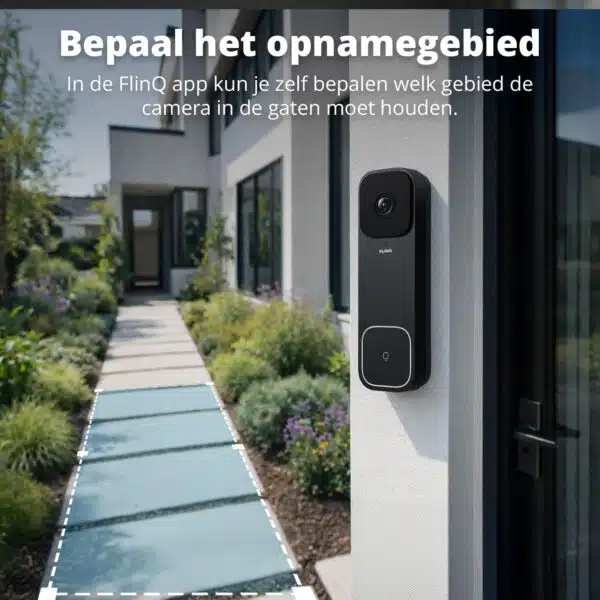
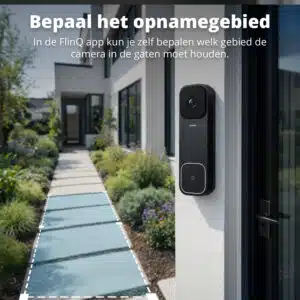
We’d like to refer you to this video: https://www.youtube.com/watch?v=JsI6x-W0XKk. Here you can set up a detection area.
Open the app and tap on the video doorbell. In the bottom right, tap the menu with the up arrow. In this menu, you can turn the motion sensor on or off.
You can easily share the device with one or more people. Follow the steps below:
1. Add the device to the FlinQ app on your device.
2. Open the relevant product in the FlinQ app.
3. Press the three dots “…” in the top right corner or the pen icon.
4. Scroll to the bottom and select “Share device”.
Important: Before proceeding, the person you want to share the device with must have downloaded the FlinQ app and created an account.
5. Choose “Share with the account FlinQ”.
6. Enter the email address of the other user (this must be the email address they used to register in the FlinQ app).
7. Press “Continue”.
The other person will now receive an invitation and can operate the device.
Yes, some smart products from FlinQ are supported by Homey in combination with the Tuya app. Check the Homey website to ensure that this product works well in your specific case.
It may happen that your network name or provider has changed. You will need to remove the device from your FlinQ app and add it again. In some cases, a reset of the device is necessary; you can find this procedure in your product’s manual.
FlinQ products only work with a 2.4 GHz network. In most routers, you can create separate SSIDs (network names) for both the 2.4 GHz and 5 GHz frequencies, for example:
– FlinQ-office-5GHz
– FlinQ-office-24GHz
A combined signal, where both the 2.4 GHz and 5 GHz frequencies fall under one SSID (network name), is not always supported.
If you need help changing your wifi settings, please contact your internet provider.
Yes, the FlinQ app is free. After downloading, you create an account and can connect your FlinQ devices.
The FlinQ app is available for free for both iOS and Android phones and can be downloaded via the links below.
No, this product does not support Apple Homekit or Matter.
Yes, you can add one or more products to the FlinQ app, even if they are the same products. You can organize them into a group so you can easily control them simultaneously. You can also assign a location to a device, for example: living room, bedroom, or office.
This product works seamlessly with the FlinQ app. You can download it for free on both iOS and Android devices.
Yes, this product works with Google Home and Amazon Alexa. Install your product through the FlinQ app. Open your FlinQ app, tap on profile in the bottom right and then tap on Google Home at the top (the Google Home app will open). Now follow the steps in the Google Home app. Your device is now connected to your voice assistant and you can control it using voice commands.